


Realistic Weather v3.1 [8K/4K + Linux OpenGL] – ETS2 1.49X
Screenshots
![Realistic Weather v3.1 [8K/4K + Linux OpenGL] – ETS2 1.49X](https://www.hll-world.com/wp-content/uploads/2026/01/20260121082538_1.webp)
![Realistic Weather v3.1 [8K/4K + Linux OpenGL] – ETS2 1.49X](https://www.hll-world.com/wp-content/uploads/2026/01/20260121082633_1.webp)
![Realistic Weather v3.1 [8K/4K + Linux OpenGL] – ETS2 1.49X](https://www.hll-world.com/wp-content/uploads/2026/01/20260121082700_1.webp)
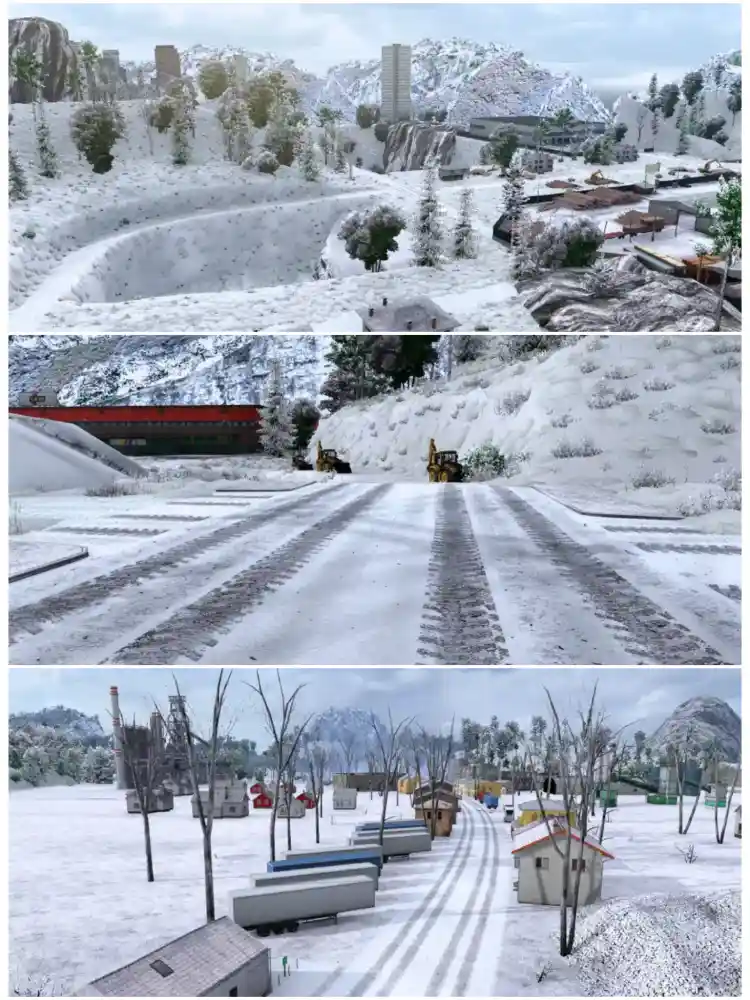
Enhance your Euro Truck Simulator 2 experience with Weather v3.1, compatible with ETS2 version 1.49. This mod brings stunning 8K and 4K textures, realistic weather effects, and full Linux/OpenGL support, giving you immersive rain, fog, snow, and dynamic lighting on every journey. Perfect for players who want visually breathtaking drives across all maps and conditions.
Installation
- If the mod is in a .zip file:
1.Extract the .zip archive first.
2.Inside, you should find the .scs file(s).
3.Copy the .scs file(s) into your Documents/Euro Truck Simulator 2/mod folder.
- If the mod is already in .scs format:
1.Simply copy the .scs file into your Documents/Euro Truck Simulator 2/mod folder.
- Final Steps for Both Cases:
1.Launch ETS2 and open Mod Manager.
2.Activate Weather v3.1 and place it high in the load order.
3.Start the game to enjoy realistic weather, 8K/4K textures, and immersive skies.
Credits: juninho944
More weather mods

Realistic Weather System v2.7 (ETS2 1.57 – 1.59)
Transform your Euro Truck Simulator 2 experience with Realistic Weather System v2.7. This weather overhaul introduces more dynamic and immersive…
Frosty Winter Weather Mod for ETS2 – Realistic Seasonal Climate
Enhance your seasonal trucking experience in Euro Truck Simulator 2 with the Frosty Winter Weather Mod. This is a weather…
Start the conversation